
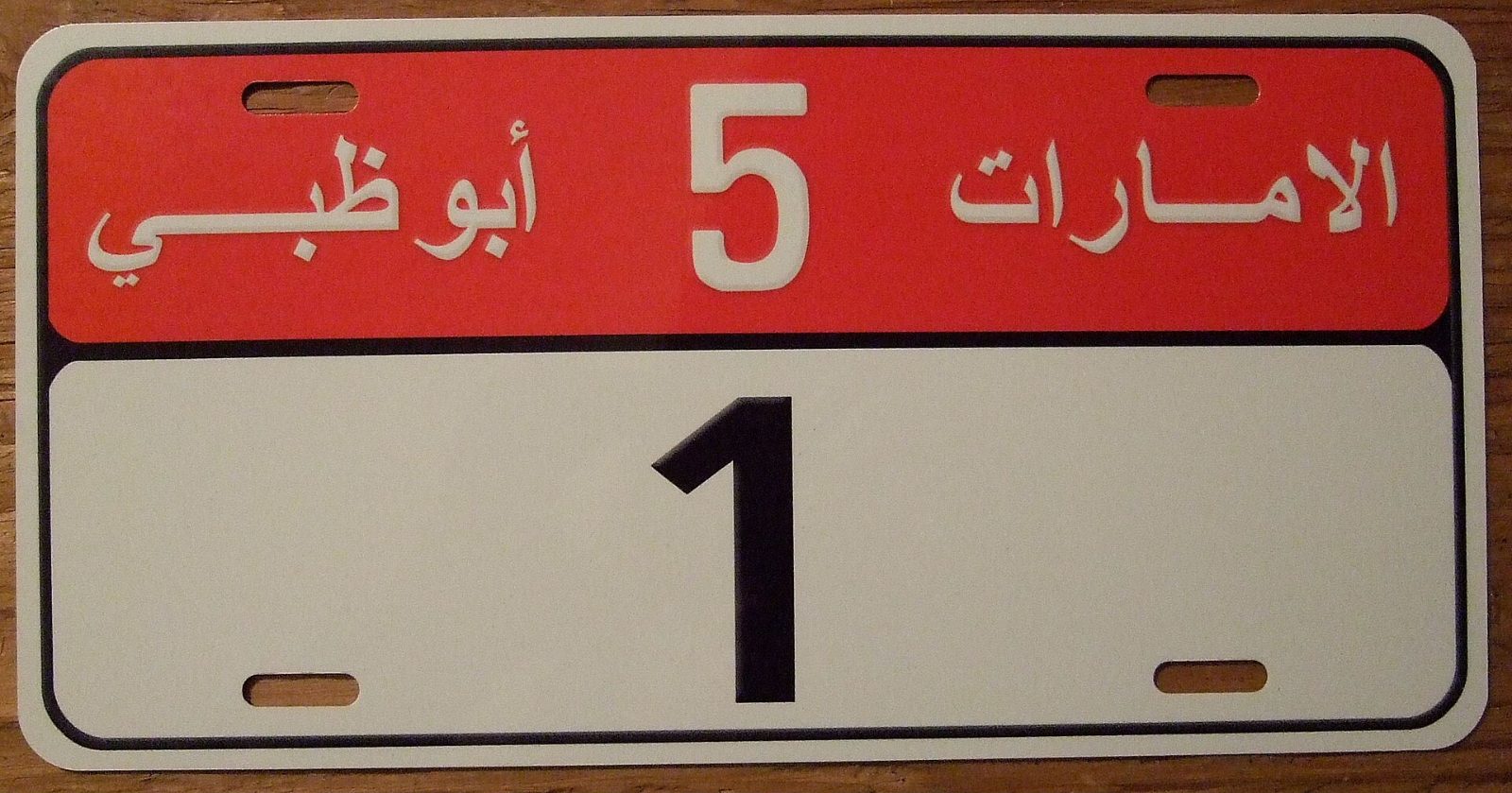
To check a car’s registration in the UAE, use the official channel for the emirate where the vehicle is registered: the RTA website or app in Dubai, TAMM or the Abu Dhabi Police app in Abu Dhabi, and the Ministry of Interior (MOI) app or the local police service in the northern emirates. You will usually need the plate number with its code and emirate, or the traffic file or chassis number.
In this guide
Why you might need a registration check
People look up registration details for different reasons, and the right tool depends on the reason.
- Your own car: to see the expiry date of the registration card (Mulkiya), confirm insurance is linked, or check for fines before renewal.
- A car you plan to buy: to confirm the registration is valid, that the seller is the registered owner, and that there are no outstanding fines or a bank mortgage on the vehicle.
- A car you have sold: to make sure ownership has been transferred out of your name.

Where to check, by emirate
| Emirate | Main official channels | Typical details needed |
|---|---|---|
| Dubai | RTA website and RTA Dubai app | Plate number, code and source, or traffic file number |
| Abu Dhabi (including Al Ain) | TAMM and Abu Dhabi Police app | Plate details or traffic code, Emirates ID for your own vehicles |
| Sharjah | Sharjah Police services and MOI app | Plate details or traffic file number |
| Ajman, Umm Al Quwain, Ras Al Khaimah, Fujairah | MOI app and local police services | Plate details or traffic file number |
The MOI app (UAE MOI) brings together traffic services from several emirates and is a convenient first stop if you are not sure where to look. When you log in with UAE Pass, you can usually see every vehicle registered under your own traffic file.
What a registration check can show
- Whether the registration is valid or expired, and the expiry date
- Vehicle details such as make, model, year and colour
- Whether fines are recorded against the vehicle or the owner’s file
- Whether the vehicle is under a bank mortgage, which blocks transfer until it is released
Checking your own vehicle
The simplest route is to log in to the relevant app with UAE Pass. Your vehicles appear under your profile with their registration status. From there you can usually:
- View the digital registration card.
- See the expiry date and set a reminder.
- Check and pay outstanding fines.
- Start the renewal once technical inspection and insurance requirements are met.
Many people now rely on the digital Mulkiya in the app instead of carrying the printed card. Check that your emirate accepts the digital version for the service you need.
Fines on the vehicle or your traffic file can block a renewal, so check them first.
Checking a used car before you buy
Buying a used car in the UAE is mostly safe if you follow a few checks. The registration lookup is one part of that.
Ask for the registration card
Look at the owner’s name, the chassis number and the expiry date. Compare the chassis number on the card with the one on the car itself, usually visible at the base of the windscreen and on a plate inside the door frame.
Check fines and mortgage status
Unpaid fines usually have to be settled before ownership can be transferred. A bank mortgage also blocks transfer until the loan is cleared and the bank releases it. Ask the seller to show both on the official app, not on a screenshot.
Do the transfer properly
The transfer of ownership is completed through the licensing authority, normally with both parties present or authorised, after a technical inspection where required and with new insurance in the buyer’s name.

Be careful with third-party “registration check” websites
Some websites claim to provide UAE registration details by plate number. Use the official RTA, TAMM, police or MOI services instead. They are accurate, and you avoid sharing personal or vehicle details with unknown parties.
Expired registration: what to do
Driving with an expired registration is a traffic offence and can lead to a fine and, in some cases, the vehicle being impounded. If your check shows the registration has expired:
- Arrange the technical inspection if your vehicle needs one.
- Renew or confirm your insurance.
- Pay any outstanding fines.
- Complete the renewal online or at a service centre.
Our UAE driving documents checklist lists what to have ready, and the fines and renewal budget planner helps you plan the cost.
Checking a vehicle’s history beyond registration
A registration check does not show everything. Accident history and service records are not always visible through the government apps. For a fuller picture:
- Ask for the service history, ideally from an authorised dealer.
- Ask the dealer to check the VIN for recalls and warranty status.
- Book a pre-purchase inspection at an independent workshop or testing centre.
- Ask about any previous insurance claims.
Frequently asked questions
How do I check if my car registration has expired in Dubai?
Log in to the RTA Dubai app or website with UAE Pass. Your vehicles and their registration expiry dates appear under your profile.
Can I check another person’s car registration?
Official apps show limited information about vehicles you do not own, mainly for fines and certain checks. Full details are only available to the registered owner.
What do I need to check a registration in Abu Dhabi?
Use TAMM or the Abu Dhabi Police app. Plate details or your traffic code are usually enough, and UAE Pass gives access to your own vehicles.
Does the MOI app cover all emirates?
The MOI app provides traffic services across several emirates. For Dubai-specific services, the RTA channels are often more complete.
Why can I not transfer ownership after a check?
Common reasons are unpaid fines, a bank mortgage on the vehicle, an expired inspection or missing insurance.
Sources: RTA Dubai, TAMM Abu Dhabi, Ministry of Interior UAE
Cover photo: Jerry “Woody” from Edmonton, Canada, CC BY-SA 2.0. Last reviewed: 2026-11-25.